Data Sources
Admin → Data Sources manages the warehouses and APIs queries are written against. Each source is a card showing its name, its type, and an icon for that type; search matches on either. New Data Source appears only for administrators.
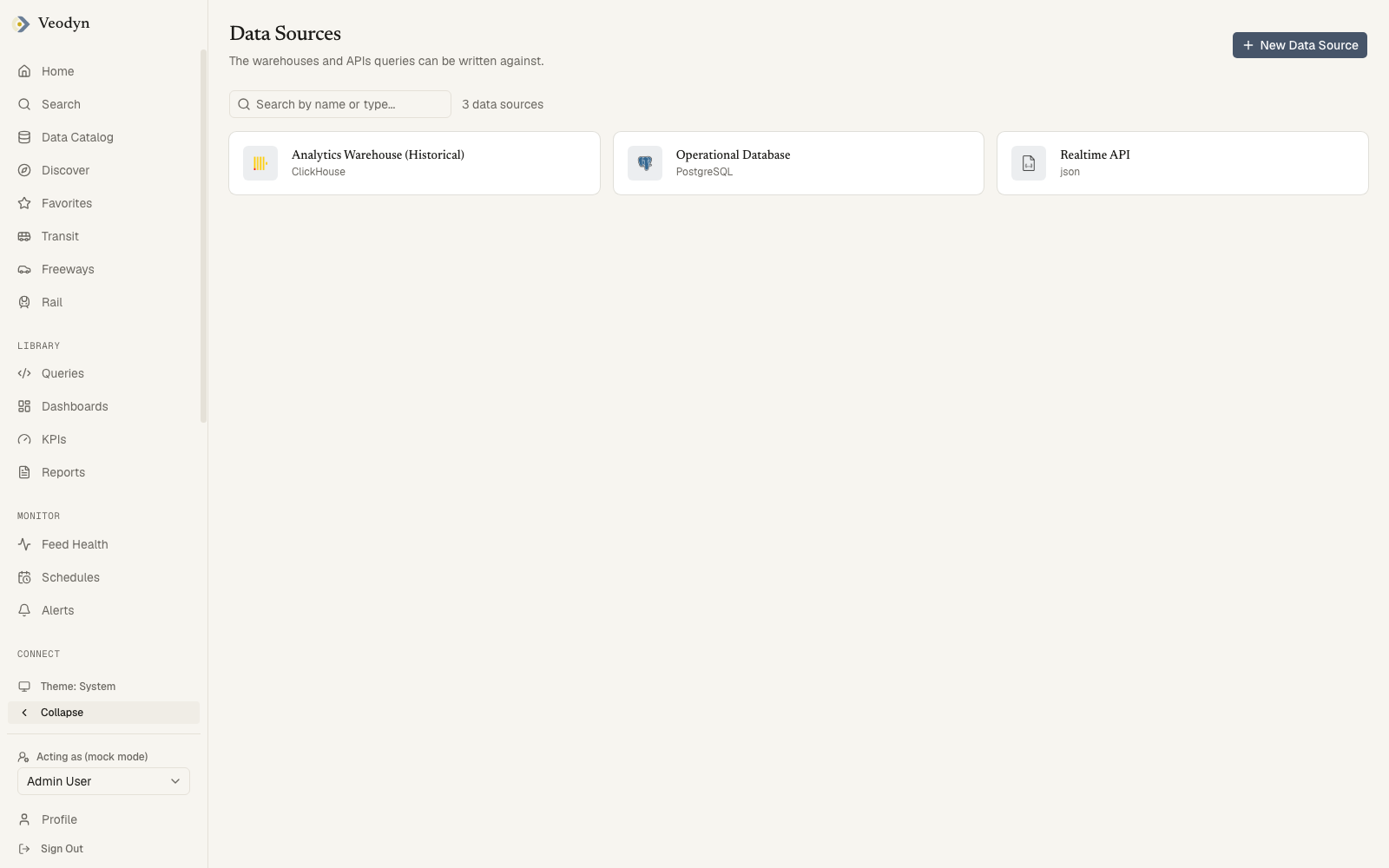
This list has no separate error state. A request that fails, or has not returned yet, produces No data sources yet. Add one so queries have something to run against. Since that sentence tells you to add one, it is easy to act on before noticing it may simply be wrong. Reload before believing it, particularly if you are not an administrator.
A source's own page does distinguish the cases, saying Unable to load this data source. It may have been deleted, or the request was refused.
Adding a data source
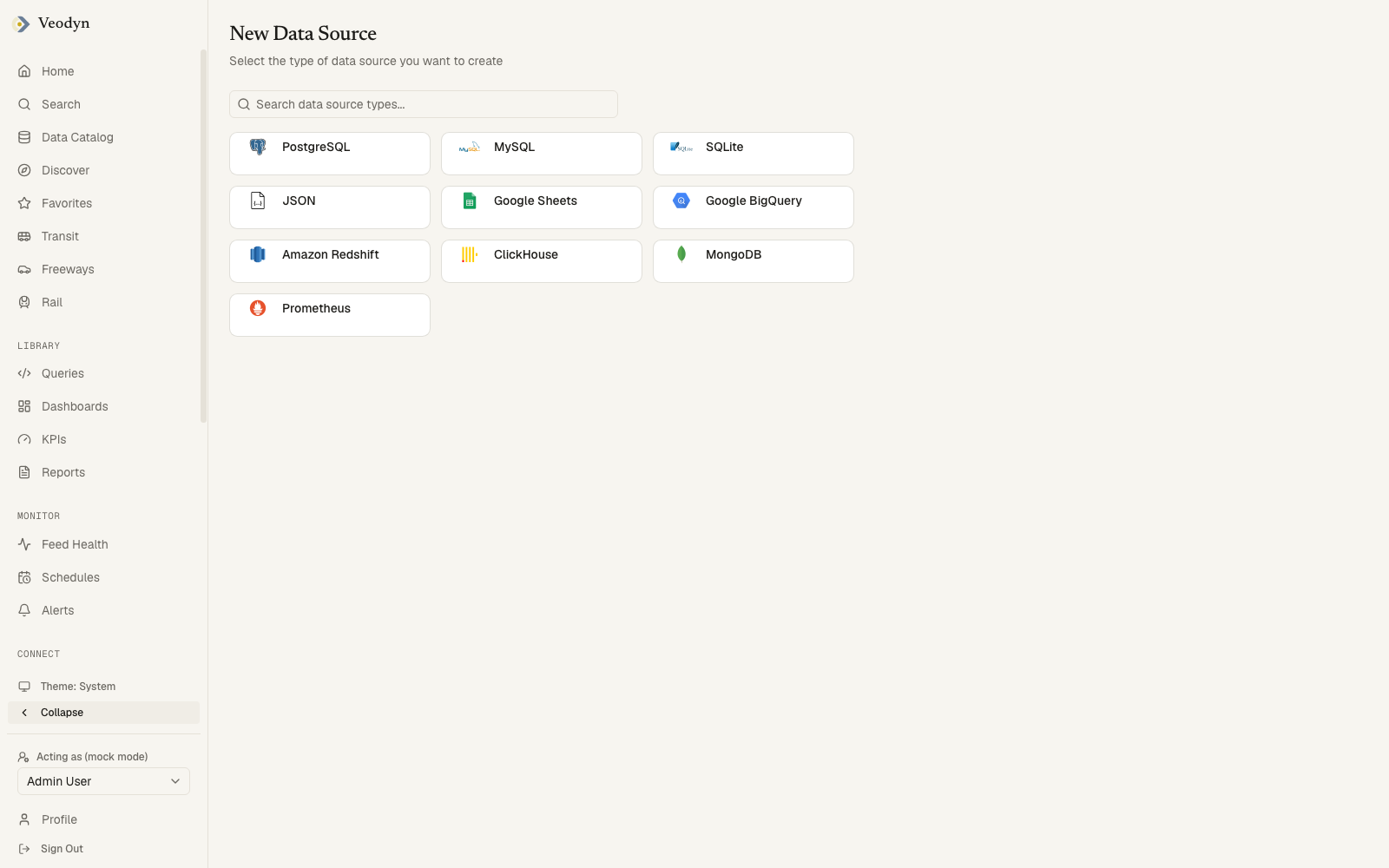
New Data Source opens a searchable type picker: PostgreSQL, MySQL, ClickHouse, BigQuery, Redshift, SQLite, MongoDB, URL (JSON), and the other types the backend enables, including the transportation API runners on instances that ship them. Choosing a type reveals the fields that type needs, so the form is only ever as long as the connection requires.
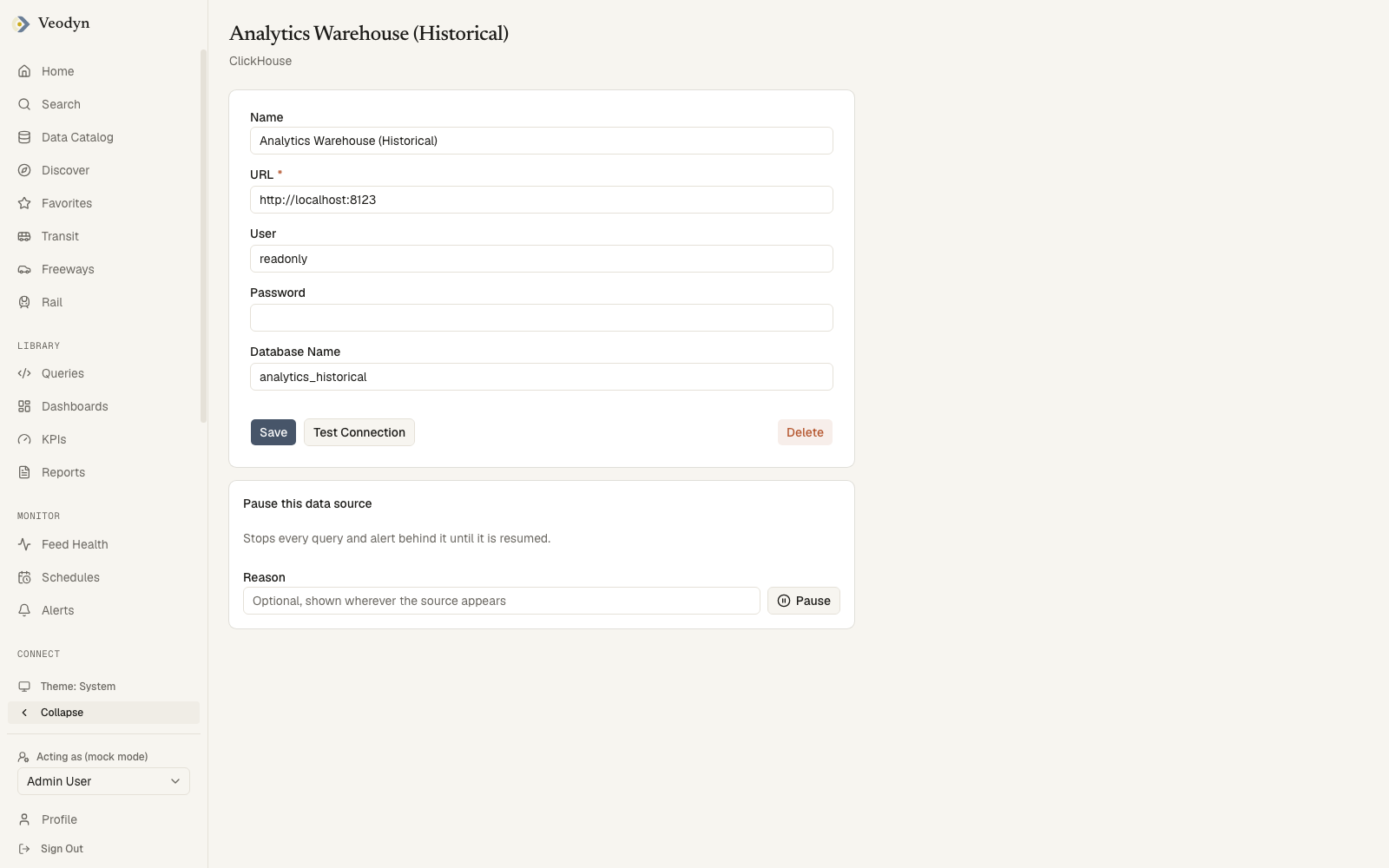
A source's own page carries its Name, its type-specific connection fields, and three actions:
| Action | |
|---|---|
| Save | Writes the name and connection settings |
| Test Connection | Tries the connection as configured and reports back, so you can check before saving |
| Delete | Removes the source, returning you to the list |
An id that matches nothing says Data source not found.
Granting access
Connecting a source does not expose it to anyone by itself. Access is granted by attaching the source to groups, each with View Only or Full Access. Only users in an attached group see the source in the query editor's picker.
Notes for operators
- Data-source configurations are stored encrypted in the query service's database, keyed by
REDASH_SECRET_KEY; changing that key strands existing configurations. Keep it stable and backed up. - Historical capture (feeding the data catalog's warehouse) is a per-source opt-in on the backend; see Configuration for the ClickHouse variables that switch the mechanism on.
- The available type list is controlled with the
REDASH_ENABLED_QUERY_RUNNERS/REDASH_ADDITIONAL_QUERY_RUNNERSsettings.