System Administration
The remaining Admin pages govern the instance as a whole. All require an organization admin; the last three require super admin.
Settings
Admin → Settings holds instance-wide preferences in four tabs:
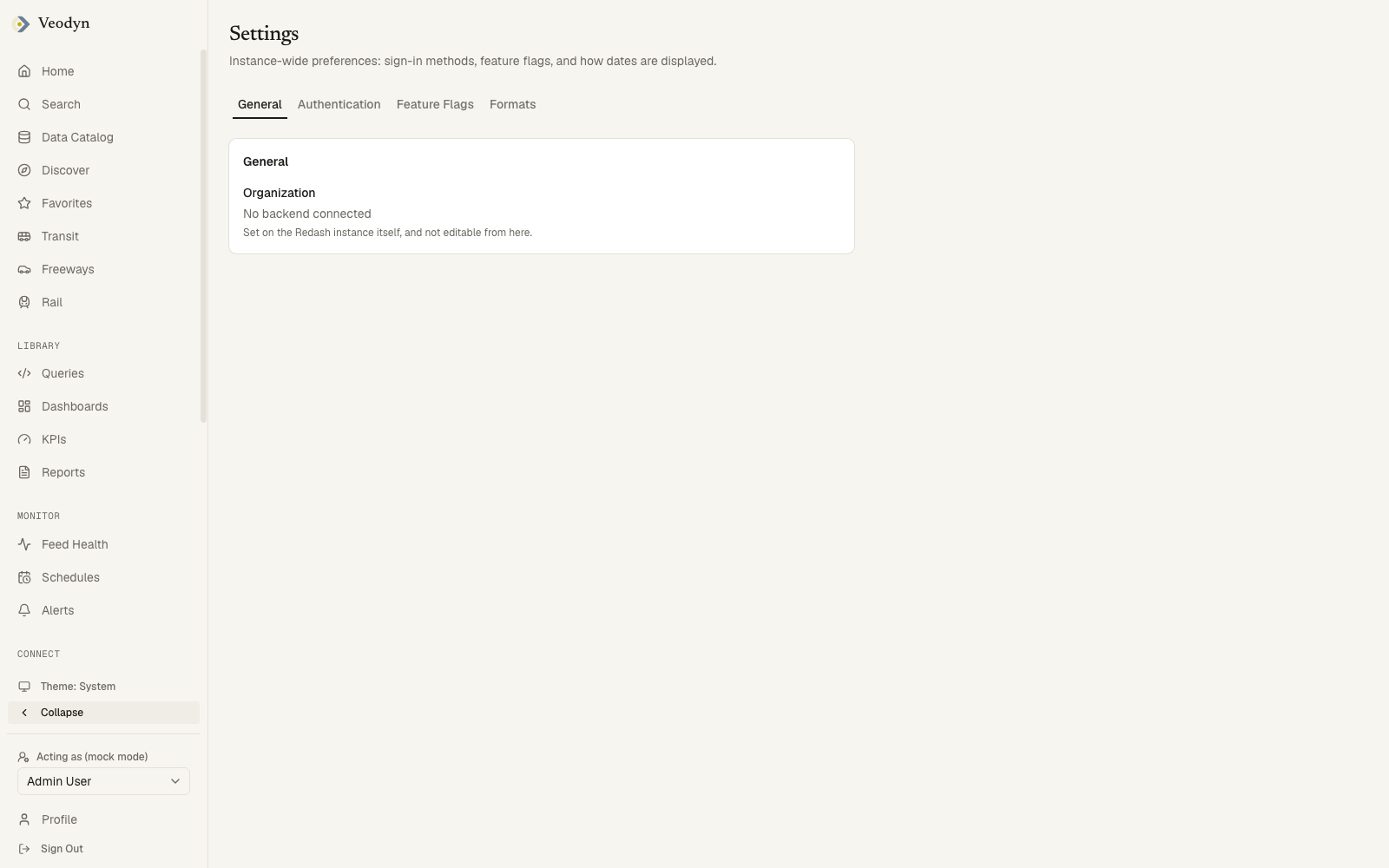
- General: the organization name and slug, both read-only here. The page says why: the organization name is set on the query service itself and cannot be changed from this screen.
- Authentication: toggles for password login, and for SAML login where that enterprise authentication backend is installed.
- Feature Flags: Show Permissions Control, Multi-Byte Search, Usage Data Sharing, and Disable Public URLs (which switches off every public link at once), each with a one-line explanation.
- Formats: the date and time display formats, with a live preview.
Shared Links (enterprise)
Shared-link governance is part of the enterprise edition. A community build has no such page and no endpoint behind it. Public dashboard and embed links still exist and are still revocable, one at a time, from the dialog that minted each one; what is missing is the inventory across all of them.
Admin → Shared Links is the audit surface for everything reachable without signing in. It answers the question no other screen does: what can someone outside this organisation currently open?
Filter by Reachable / All / Expired, search by name, kind or author, and Refresh to re-read.
| Column | |
|---|---|
| Shared object | The dashboard, embed or report, with its kind underneath |
| Status | Live, or expired |
| Shared by | Who minted the link |
| Shared, Expires | When it was created, and when it lapses, or Never |
| Last opened, Opens (30d) | Whether anyone is actually using it |
Those last two are the ones worth reading before a clear-out: a link nobody has opened in thirty days is a different decision from one in daily use.
Select rows to revoke in bulk, with one-click actions to revoke everything expired. Revocation is confirmed first, and takes the public URL away immediately.
The page also states plainly when public URLs are disabled org-wide or when the list could not be read completely.
Plugins
Admin → Plugins inventories the visualization packages compiled into this build, opening with a count that puts them in context: 1 plugin visualization from example, alongside 15 core types.
| Column | |
|---|---|
| Visualization | Its name and icon as they appear in the picker |
| Type | The identifier stored on a saved visualization |
| API | The plugin API version it targets |
| Reads | Its query result, or Nothing for one that draws without data |
| Audience | Analysts or Internal, with configuration overrides marked |
| In the picker | Offered, or why it is hidden, such as Hidden: internal |
The last two columns together explain an absence: a visualization can be installed and working yet deliberately absent from the picker because its audience is internal. That is the answer to "why can I not choose this type", and it is only visible here.
An empty page explains how plugins are enabled at build time. See Visualization Plugins for how the mechanism works.
System Status (super admin)
Whether the backend this instance talks to is reachable and healthy. It stamps when it last checked and offers Check now to re-run on demand, so a stale reading is never mistaken for a current one.
Five cards, each stating a verdict and the evidence behind it:
| Card | Reports |
|---|---|
| Scheduler | When it last ran, and how many queries are due |
| Queues | How many jobs are waiting, across which named queues |
| Redis | Whether it is reachable, and how much memory it is using |
| Content | How many queries, dashboards and stored results exist |
| Version | The query service version and the Veodyn client |
Content counts every query including archived ones, so its total runs slightly ahead of the Queries list, which hides archived ones by default. The two disagreeing by the size of your archive is expected.
Query Jobs (super admin)
The background workers and their queue backlog, in two tables. This is where a "my query never finishes" report gets diagnosed.
Workers: each worker's id, whether it is Idle or Busy, the queues it serves, and its lifetime OK / failed counts. Workers subscribe to different queue sets, so a job can sit waiting even while other workers are idle: what matters is whether any worker serves that queue.
Queues: per queue, how many jobs are started and how many are queued. Zeros across the board mean nothing is backed up; a growing queued count against a low started count is the signature of a worker that is not consuming it.
Outdated Queries (super admin)
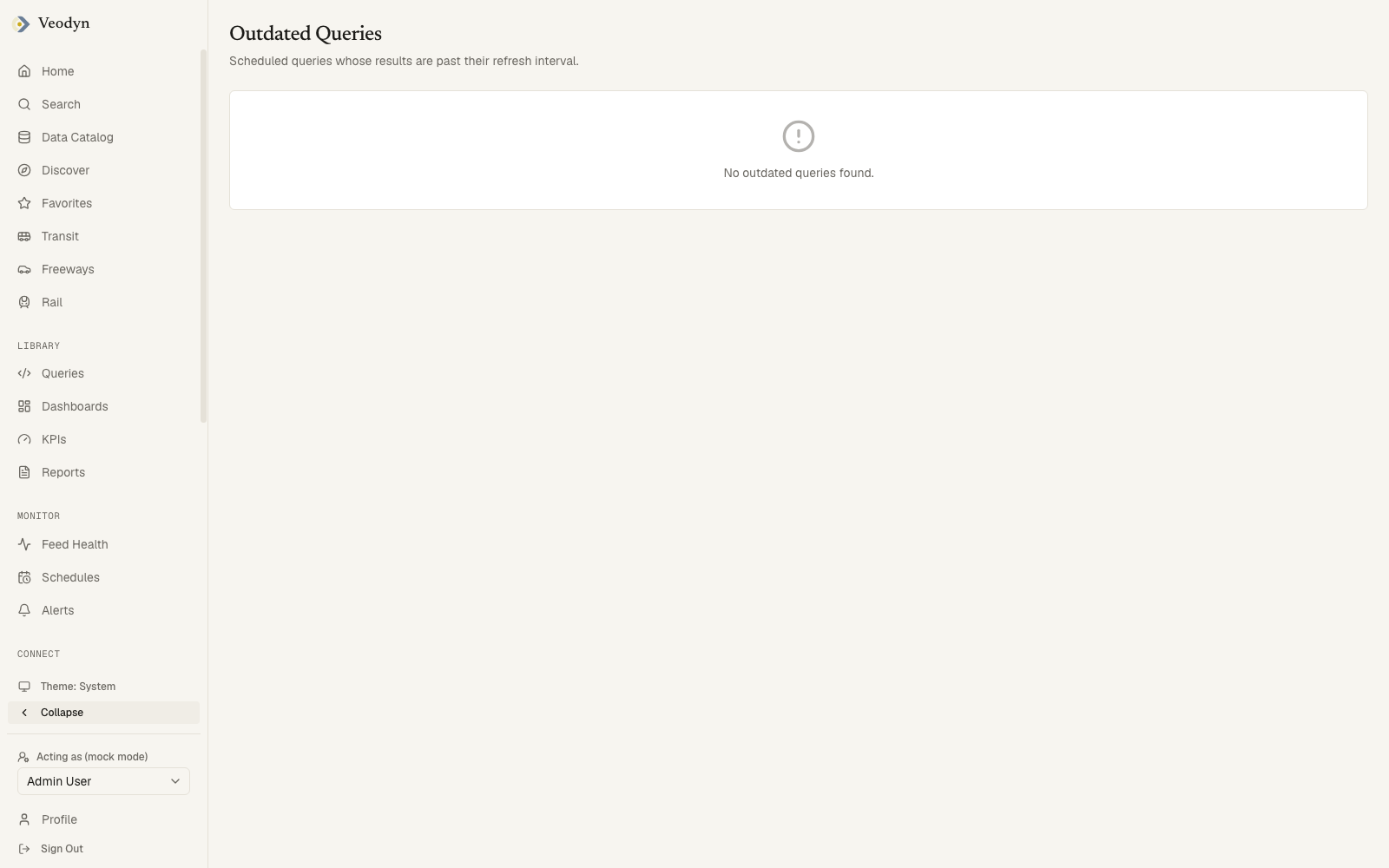 Scheduled queries whose results are past their refresh interval: the query, its interval, and when a result was last retrieved. The complement of the user-facing Schedules page, showing only what is falling behind.
A healthy instance shows No outdated queries found, which is the expected state rather than a sign the page is not working. Unlike several lists elsewhere in the product, this one distinguishes its states: it reports a failed read as an error rather than as an empty list.