APIs & MCP
The Connect section of the sidebar documents, inside the product, how to reach your instance's data from outside it.
Its third page goes the other way and serves your data out, in a standard other people's software already reads: see Published Feeds.
APIs
Connect → APIs is three cards, and each carries your instance's real values rather than examples you have to edit. The page reads its own address, so the copy button beside each block gives you something that works as pasted.
| Card | Holds |
|---|---|
| Base URL | The instance's /api root, which is the same-origin proxy all API traffic goes through |
| Authentication | How to authenticate, and what your key can reach |
| Example request | A copyable curl against a real endpoint |
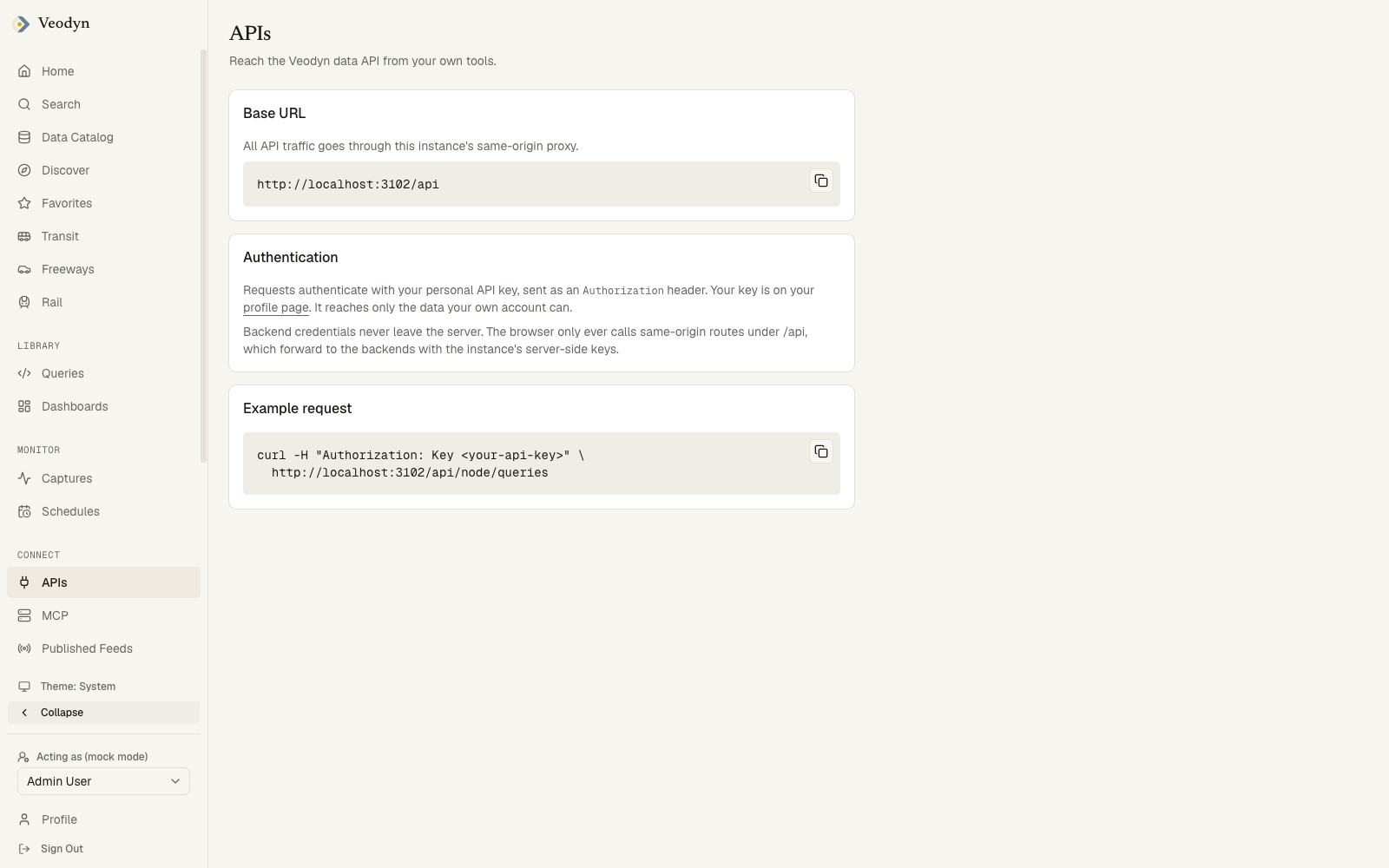
Requests authenticate with your personal API key, sent as an Authorization header. The key is on your profile page, and it reaches only the data your own account can, so an API call cannot get around the permissions you have in the interface.
The endpoint-by-endpoint reference, including how to run a query with parameters and poll the result, is the Data API page.
The page is also explicit about what does not travel. Backend credentials never leave the server: the browser only ever calls same-origin routes under /api, which forward to the backends using the instance's server-side keys.
When the instance configures a help URL, a Documentation button links to the operator's own docs.
MCP
Connect → MCP wires AI clients (Claude Desktop, IDEs, and other MCP-compatible tools) to your Veodyn instance via the Model Context Protocol:
- Endpoint: the instance's
/mcpURL, with a copy button. - Example client config: a copyable JSON block for your client's MCP settings, authenticating with your personal API key (
Authorization: Key <your-api-key>), found on your Profile.
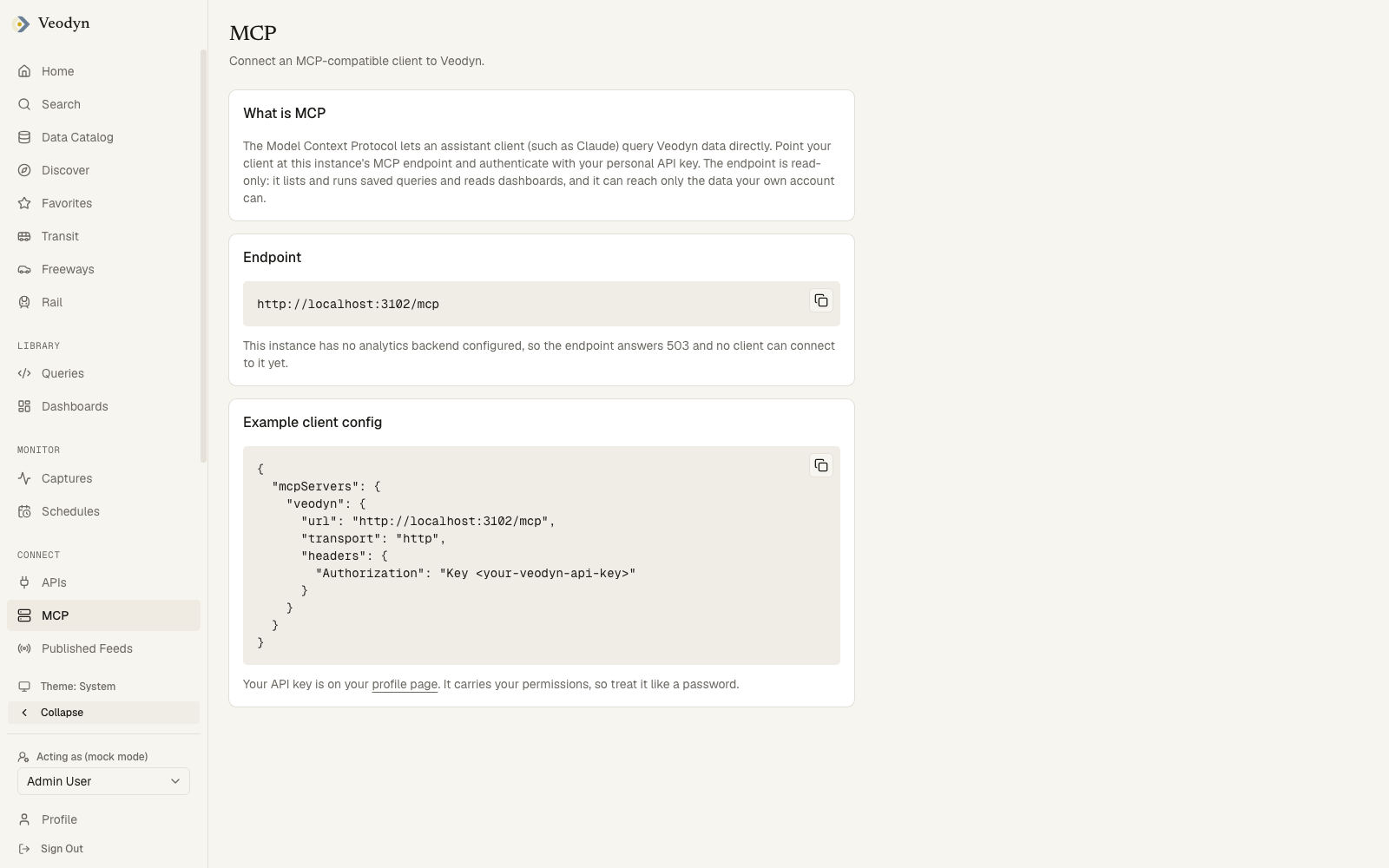
The endpoint is read-only. It lists and runs saved queries and reads dashboards, and it cannot create, edit or delete anything, so connecting a client does not let an assistant change your instance.
Because the credential is your own API key, an MCP client can only see what you can see. The page says as much beside the config block: the key carries your permissions, so treat it like a password.