Derive NTD service data from your GTFS archive
An NTD submission has two halves. One is counted: passengers, miles, hours, peak vehicles, and it comes from your APC, farebox and CAD systems. That half is the monthly ridership pack. The other half describes the service you scheduled, and for most agencies the schedule of record is already published as a GTFS archive.
This reads the second half off that archive, so the numbers you report about your own service and the numbers a rider's app shows come from the same file instead of from a spreadsheet maintained beside it.
Routes operated, trips scheduled, each trip's span and stop count, and the days every service pattern ran, read straight off the archive you already publish. Each figure is a saved query you can rerun in front of a reviewer, with the decisions behind it written into the query's description, so every number in the report links back to its evidence. The current NTD reporting policy manual defines which figures your reporter type owes; these tables are how you answer it.
What has to be true
The archive has to be the schedule of record rather than a derivative of it. Plenty of agencies build their GTFS by exporting from a scheduling system and then hand-editing something before publishing. If yours does, the published archive and the schedule you actually operate have drifted by however much that edit was, and every figure below inherits the drift. Settle that before anyone reports off it. The usual fix is to correct the export.
The archive also has to cover the period you are reporting on. An archive is a snapshot of current service, so last quarter's service is in last quarter's archive, which you may or may not have kept. If you do not keep dated copies of what you publish, start doing so. Nothing in this product recovers an archive that was thrown away.
GTFS describes trips and service days, but some of the definitions are yours. Whether a particular trip counts as revenue service, and whether a school-day tripper is a separate pattern or the same route, are agency decisions.
Before you start
- The archive, queryable as a Static GTFS data source.
- The current manual for your reporter type, open beside you.
- Your route and mode coding, as the agency files it.
The steps
1. Check the archive before you report off it
Check the archive before deriving anything from it, since problems in the archive are not visible in the figures. The validator service has a route that checks a static archive on its own merits, and running it takes one call:
curl -s -F gtfs=https://transit.example.gov/gtfs/feed.zip \
  http://<validator-host>/validate-static
See Check the archive before you rely on it for what comes back and how to read it. Run it against the dated archive for the period you are reporting on rather than whatever is at the URL today.
2. Find out which tables this archive actually has
{"resource": "list"}
Row counts are the first sanity check here. If the trips count is a third of
what you expected, something is wrong with the archive before any query is
involved.
Look at the calendar files in particular. GTFS lets an agency describe service
days in calendar, in calendar_dates, or in both, and some feeds carry only
calendar_dates with one row per operating day. Which of those this archive
uses decides how the service-day question in step 4 has to be asked.
3. Read the tables that answer service questions
| Question | Table | What to read |
|---|---|---|
| How many routes are operated | routes | One row per route. route_type is the mode as GTFS codes it, which is not your NTD mode coding |
| How many trips are scheduled | trips | One row per trip. Each names its route_id and its service_id |
| What a trip's span and stop count are | stop_times | One row per stop per trip, with scheduled arrival and departure |
| Which days a pattern operates | calendar, calendar_dates | The weekly pattern and its date range, plus the exceptions |
Each is a read against the archive:
{"table": "trips", "columns": ["trip_id", "route_id", "service_id", "direction_id"]}
Project the columns you need rather than reading whole tables. stop_times is
where the row cap bites: without a projection and a filter, the read comes back
short.
4. Compose the counts in a results query
The archive reads are the inputs, and the arithmetic is SQL over their cached results:
SELECT r.route_id,
       r.route_short_name,
       count(DISTINCT t.trip_id) AS trips_on_this_pattern
FROM cached_query_13 r
JOIN cached_query_12 t ON t.route_id = r.route_id
JOIN cached_query_14 c ON c.service_id = t.service_id
WHERE c.monday = 1
GROUP BY r.route_id, r.route_short_name
ORDER BY trips_on_this_pattern DESC
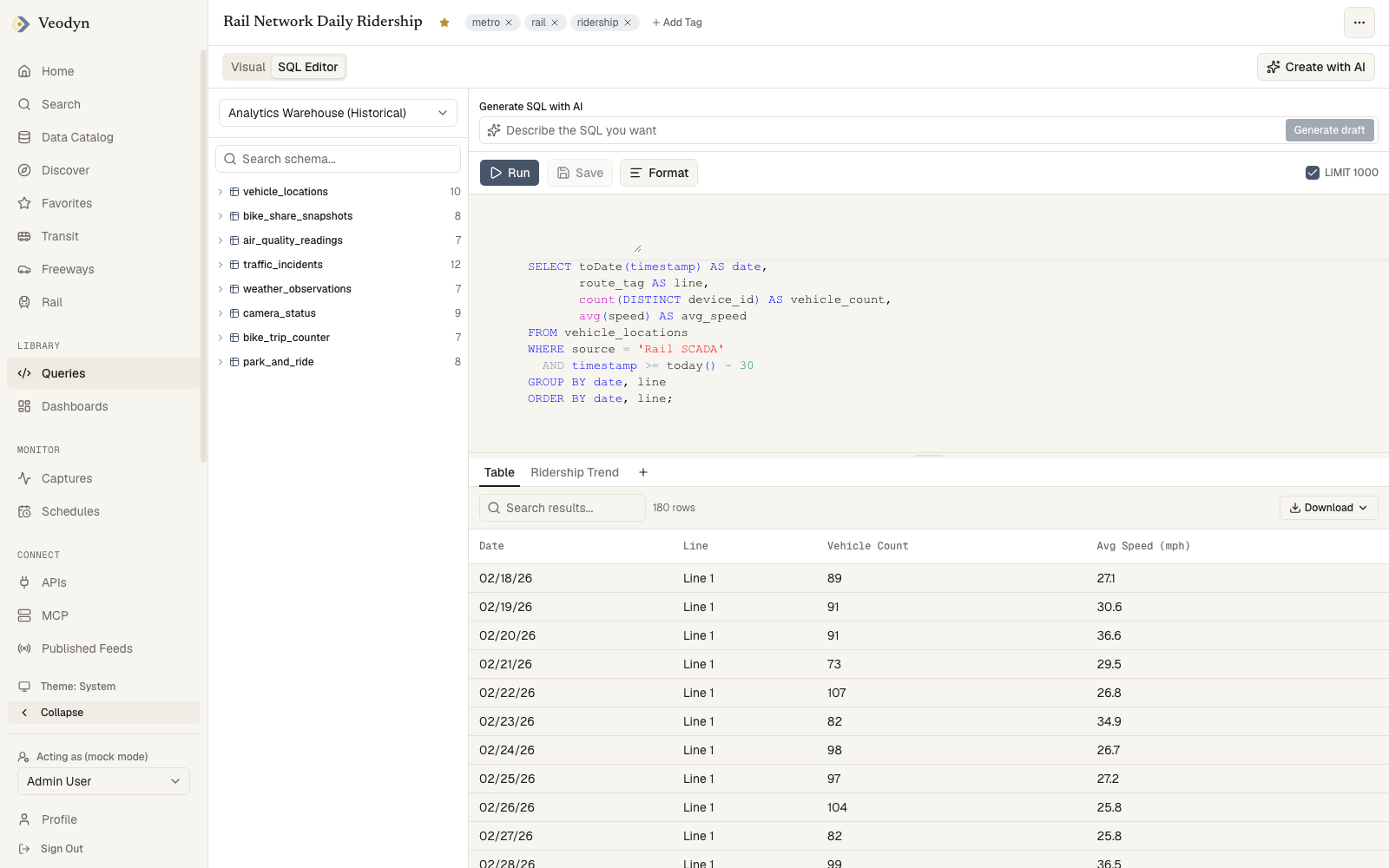
Two assumptions in that query are worth spelling out:
- The comparison is
c.monday = 1, unquoted. The connector types each column from its values, so a flag column of zeroes and ones arrives as a number, while anything named*_idis always text so it keeps its leading zeroes and still joins. See Query a static GTFS archive. - One weekday does not stand in for the week. A pattern flagged for Monday may
be superseded on a specific Monday by
calendar_dates, and an agency running reduced service on a holiday shows that only there. Any figure covering a period rather than a typical day has to read the exceptions.
5. Put the definitions next to the numbers
Every figure here rests on a decision the file did not make: which routes counted, whether a deviated trip is its own route, how a holiday was handled. Write each of those into the query's description, the same discipline the ridership pack uses, so that "where did 214 come from" can be answered with a link.
How you know it worked
Reproduce a period you have already filed. Run the queries against that period's archive and compare to what you submitted, line by line. Differences are usually a definition surfacing rather than a failure, and each one is worth a written cause: a route coded differently, a school tripper counted one way in the spreadsheet and another way here, an archive published a week after service changed.
Do this reconciliation once at the start rather than checking individual figures as they come up later.
What takes it off the air
| What happened | What you see |
|---|---|
| The published archive drifted from the operated schedule | Figures that are internally consistent but wrong. Nothing here detects it; it only shows up against the scheduling system |
| You did not keep the period's archive | The reads run against current service, which answers a different question than the one you asked |
The feed describes service days only in calendar_dates | A query joining calendar returns nothing, or a small unrepresentative slice |
A stop_times read hit the row cap | A trip-span figure computed over part of the file. Compare against the row count from step 2 |
What this does not do
It does not count passengers, miles or hours. Those come from systems that measure them, and they are covered in the ridership pack.
It also does not know your reporter type, your mode coding, or what this year's manual asks for. It reads the schedule you published and leaves every question of what is required to the manual and to you.